How to Deliver Corporate Videos When Multiple Stakeholders Need to Review
Corporate jobs rarely have one client. You film the brand piece, then marketing wants a look, legal needs to sign off on claims, and the CEO watches it on their phone between meetings. If every one of those people gets a different file through a different channel, you lose track of what was said about which version.
This guide covers a delivery setup that keeps a multi-stakeholder review in one place.
Why corporate review gets messy
• Feedback lives in reply-all chains. Notes like "the part near the end" don't tell you where to cut.
• Versions multiply. v1, v2 and v2-final-FINAL end up in five inboxes.
• Files get forwarded. An internal draft lands with someone it was never meant for.
• You don't know who has the final. You only find out when someone asks for it again.
Step 1: Put every deliverable in one gallery
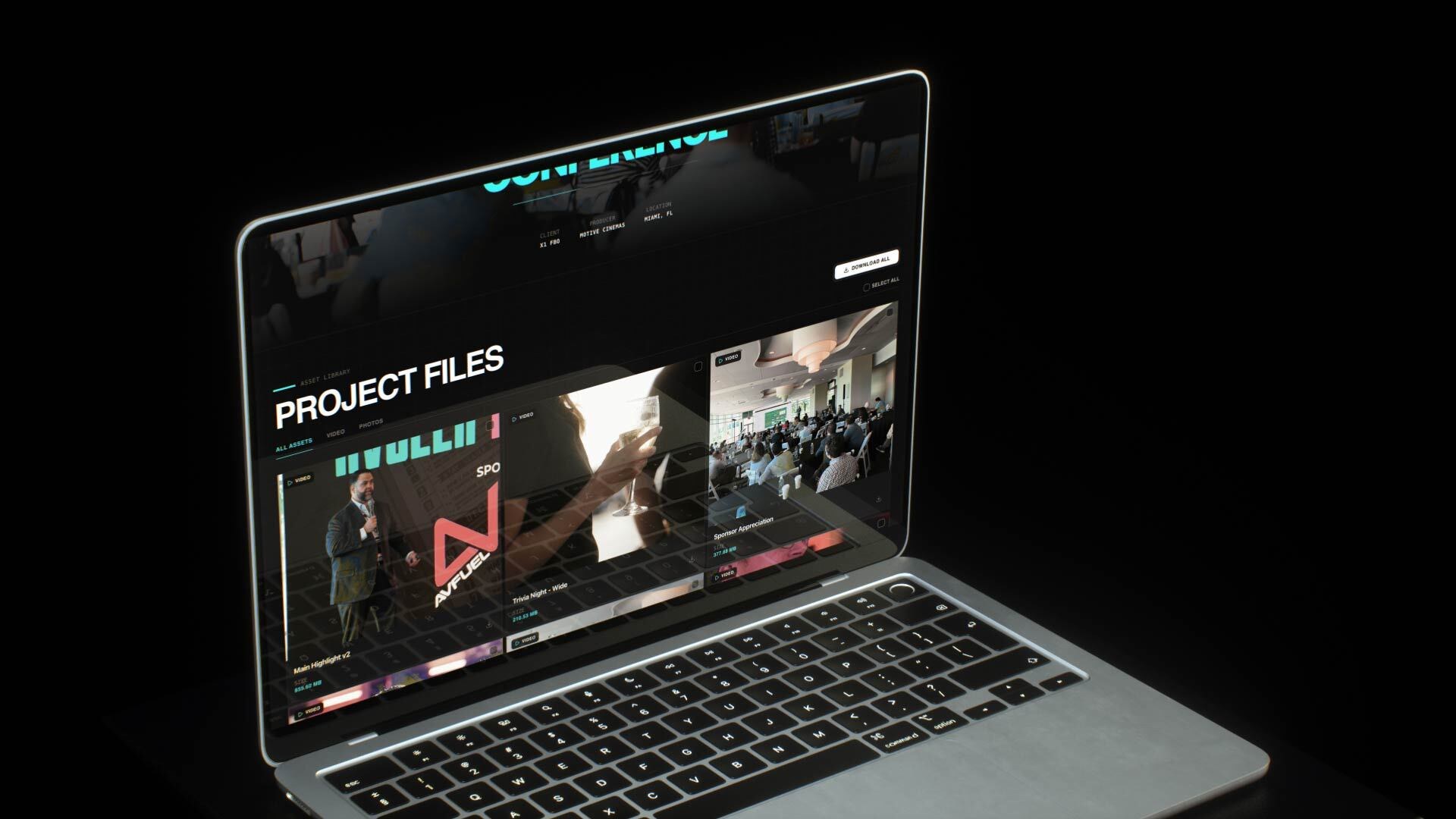
Send one link instead of a folder of attachments. The main edit, the cutdowns, event recaps and stills all sit in one branded gallery, so everyone on the client side sees the same files in the same order.
Give versions clear names (Main Highlight v2, Sponsor Appreciation) so a stakeholder who joins late can see what's current. If you're also sending photos, see how to deliver video and photos together in one link.
Step 2: Collect feedback on the timeline, not in email
Ask every reviewer to leave notes directly under the video. In DLVRD, each comment is pinned to a timecode and shows under the media, and clients don't need to create an account or log in to leave one. Marketing, legal and the exec can all comment in the same place, and you see exactly which second they mean.
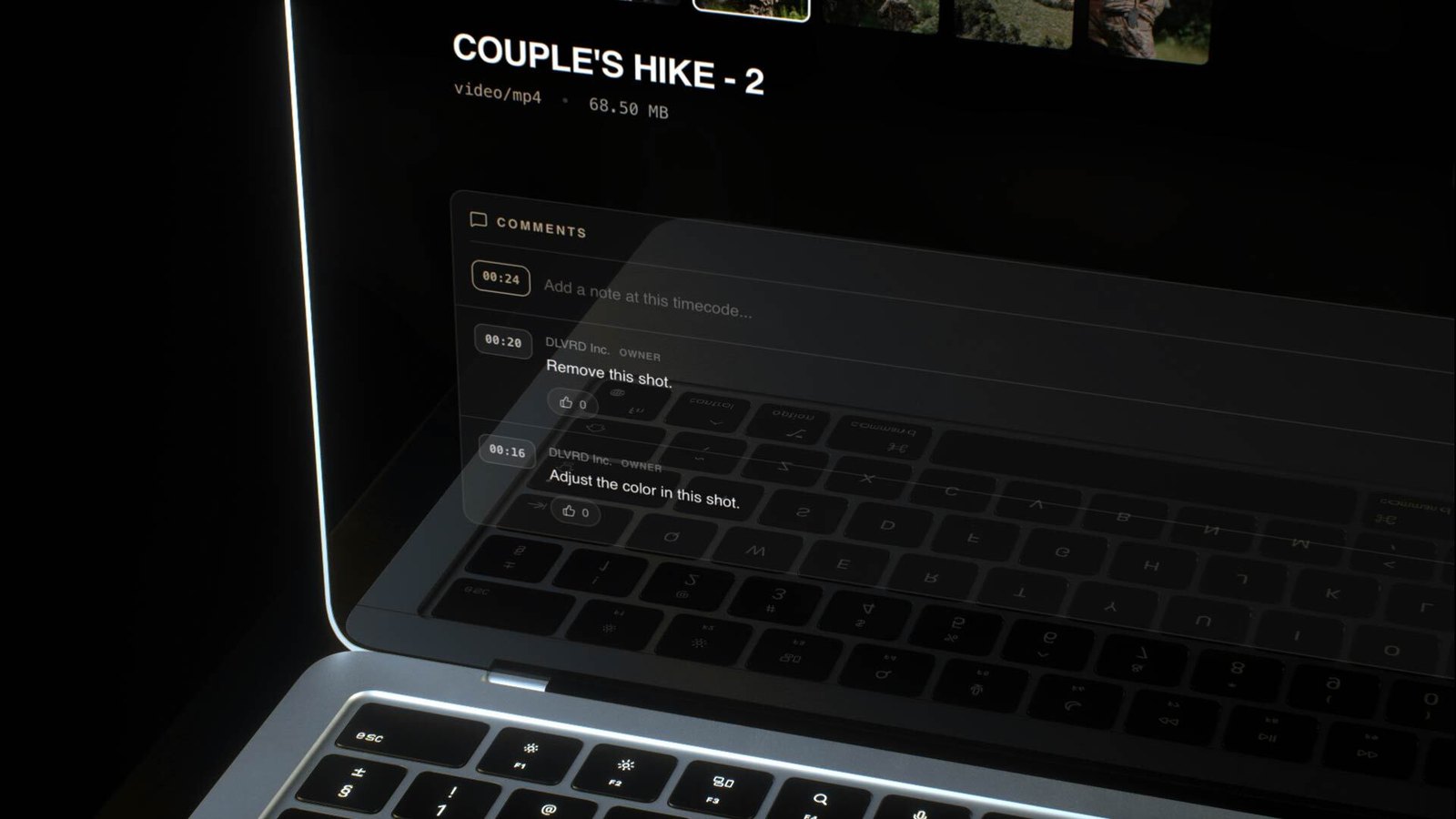
More detail: how to get timestamped video feedback from clients.
Step 3: Lock down drafts before sign-off
Corporate content often includes unreleased products, internal numbers or people who haven't approved their appearance. Before final sign-off:
• Add a password to the gallery so a forwarded link doesn't open for just anyone.
• Turn on the watermark. In DLVRD this also switches downloads off automatically, so drafts can be watched but not saved.
• Set the link to expire if the review has a deadline.
See how to securely share video drafts before client approval and how to password protect video delivery.
Step 4: Deliver the final and know when it's been picked up
Once the notes are resolved, remove the watermark, turn downloads on and let the client grab everything at full quality with one Download All. With download notifications on, you get an email when a file is downloaded, so you know the final has landed without chasing anyone.
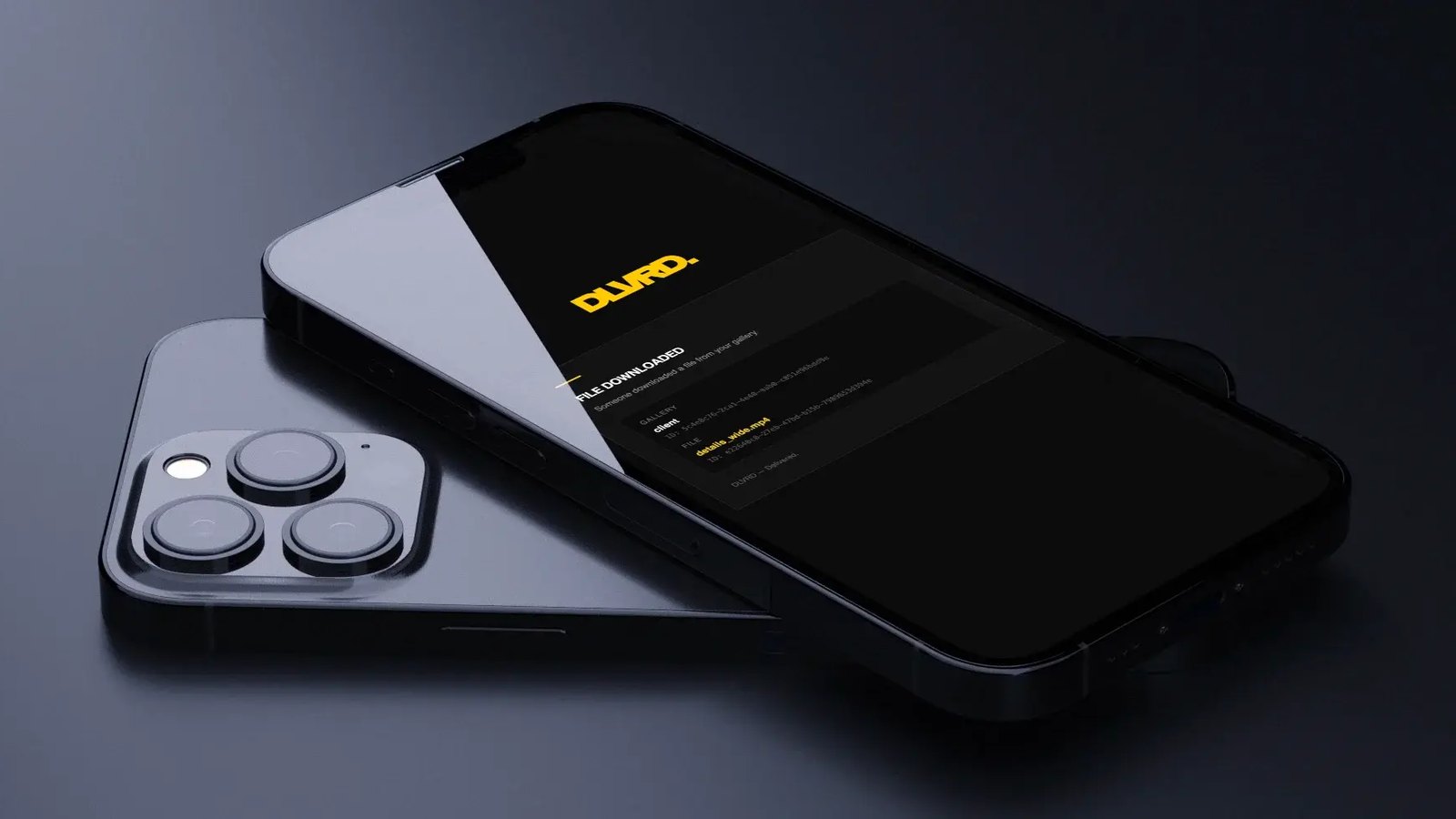
More on this: how to know when a client downloads your video.
A simple corporate delivery checklist
• One gallery per project, with clearly named versions
• Password on, watermark on (downloads off) during review
• All feedback as timecoded comments, with no email notes
• Final: watermark off, downloads on, notifications on
• Link expiry set if the client shouldn't keep access forever
The bottom line
You can't shrink the number of people a corporate client needs to involve. You can give them one link, one place to comment and a clear point when the final is delivered.
Deliver your next corporate project with DLVRD. Start free, no credit card required.
.webp)
The new standard for professional video delivery. DLVRD provides client galleries and secure video hosting for creators who refuse to compromise on client delivery.