How to Password Protect Video Delivery for Clients
You finished the edit, exported the final cut, and sent the client a link. That link is now the only thing standing between your work and anyone who has it — forwarded in an email thread, dropped in a group chat, or sitting in an inbox for months after the project wraps. Most delivery tools stop at “here’s your file.” DLVRD treats the moment after delivery as part of the job, not an afterthought.
Why Access Control Matters After You Hit Send
A client gallery link is often shared more widely than you’d expect — forwarded to a spouse, a business partner, or an entire marketing team. That’s usually fine. But for unreleased footage, licensing-sensitive content, or anything under NDA, you need a way to say who can open it, and for how long.
Password Protection: A Lock on the Front Door
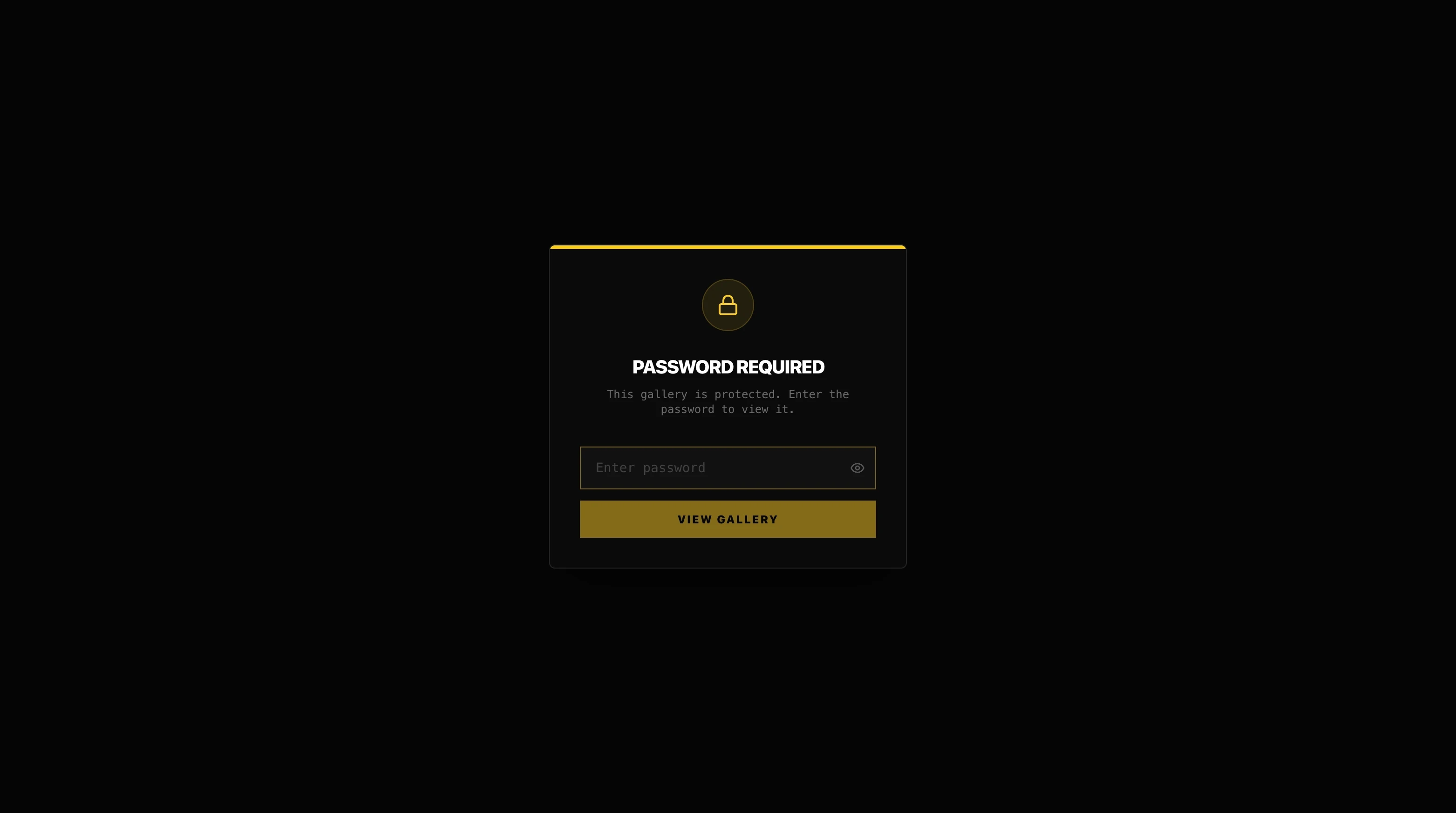
Every DLVRD gallery can be protected with a password. Instead of a bare video player, visitors land on a clean, on-brand gate — your accent color, your logo, a simple prompt — and the gallery itself stays hidden until the right password is entered.
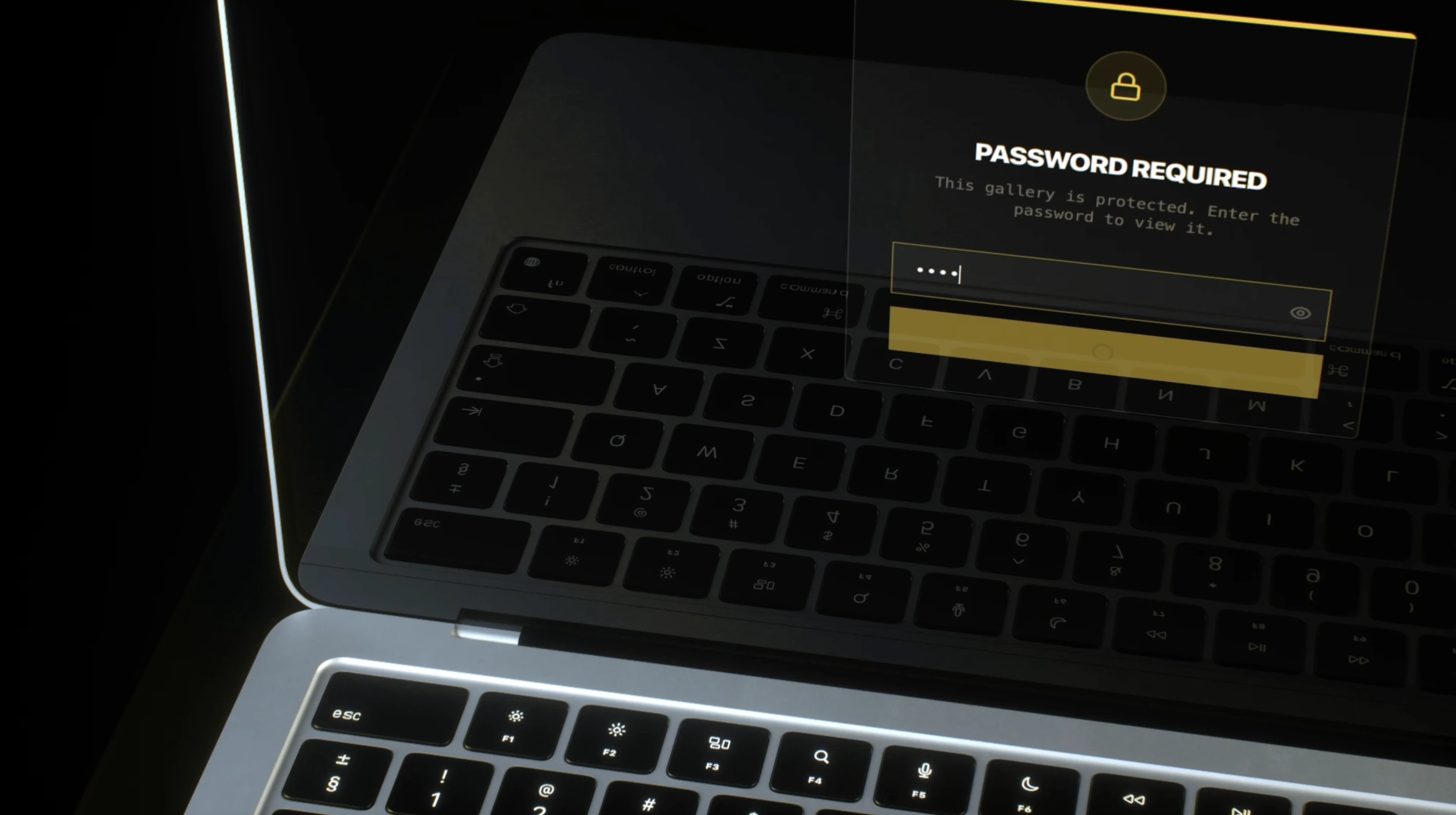
It’s a small piece of UI, but it changes the way a client experiences the handoff: instead of a public link anyone can open, it feels like a private screening room they were personally let into.
Expiring Links: Control How Long Access Lasts
A password answers who can get in. An expiration date answers how long. On DLVRD, you can set a gallery to stop granting access after a chosen date — useful for:
• Draft reviews that shouldn’t stay open indefinitely after final approval
• Licensed footage delivered under a time-boxed usage agreement
• Client offboarding, so old galleries don’t quietly linger as an open door months later
Combine a password with an expiration date and you get a delivery that’s locked down from day one and closes itself automatically — no manual cleanup required.
It Works the Same Everywhere
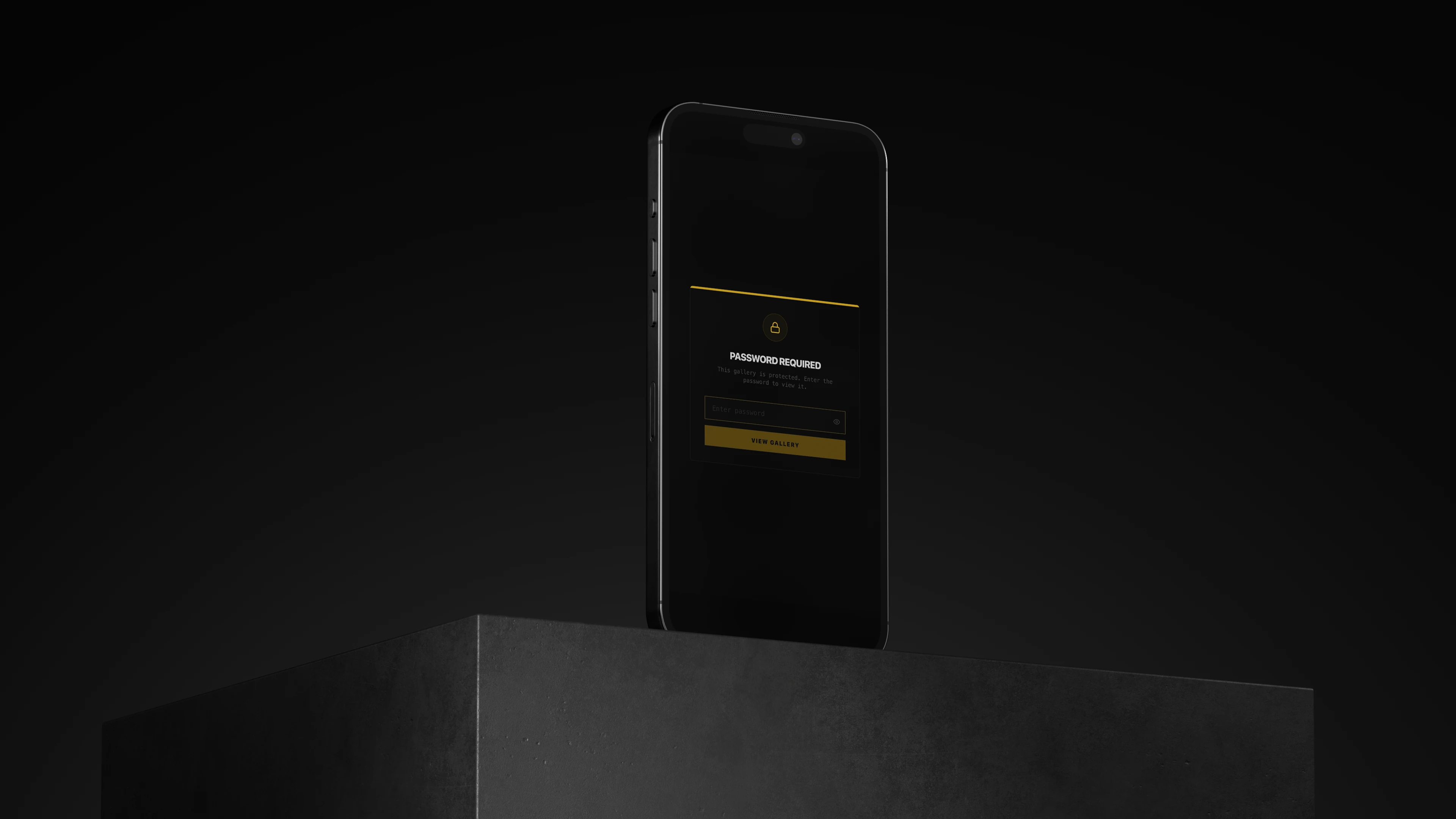
The password gate isn’t a desktop-only feature bolted on as an afterthought — it renders the same whether a client opens the link on a laptop or pulls it up on their phone.
Where This Fits in Your Workflow
Password protection and link expiry pair naturally with two things already in DLVRD: securely sharing drafts before client approval, and requesting files back from clients or crew. Lock down the review link while notes are coming in, then let it expire the moment the project is signed off.
Ready to stop worrying about who still has access to last year’s project? Start your first gallery on DLVRD — password protection is included from the Basic plan up.
.webp)
The new standard for professional video delivery. DLVRD provides client galleries and secure video hosting for creators who refuse to compromise on client delivery.