
How to Know When a Client Downloads Your Video
You sent the link. The client opened it, maybe even watched it. But did they actually grab the file? With most delivery tools, there's no way to know — so you end up sending a follow-up message just to ask, or worse, assuming a project is closed when it isn't.
The "did you get it?" problem
A video delivery link isn't the finish line — the download is. Clients get busy, forget to confirm, or grab the file weeks after you sent it. Without visibility into that moment, you're left guessing whether a project actually wrapped, whether it's safe to archive the files, or whether you need to nudge someone before a deadline.
Download notifications: your confirmation, automatically
On DLVRD, you can turn on Notify on Download for any gallery. Flip it on once, and you get an alert the moment a client pulls a file — no more manually checking in.
What the alert actually tells you
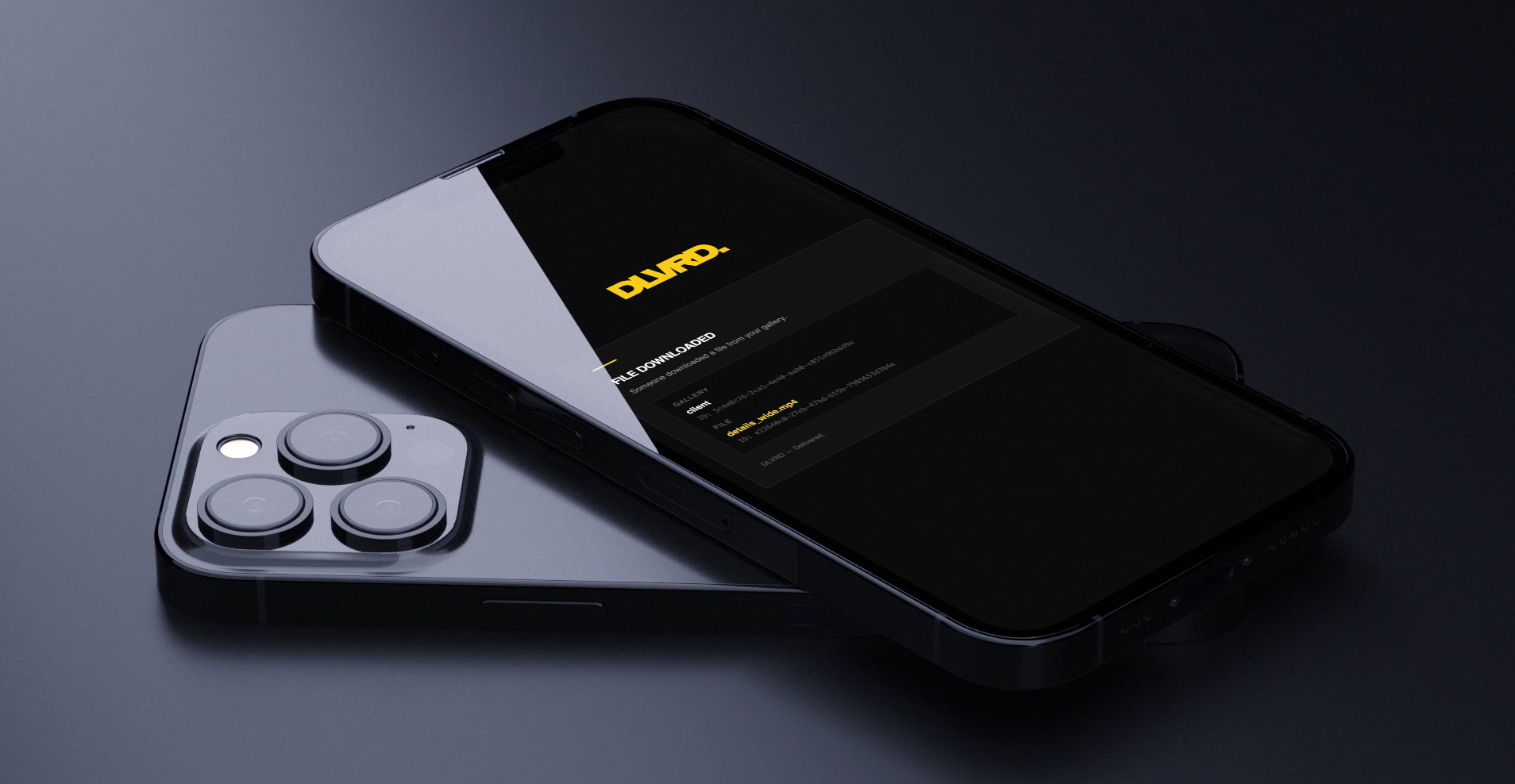
When a file is downloaded, DLVRD sends a clean, on-brand "File Downloaded" notification straight to your inbox — the same DLVRD styling your clients see, just for you. It tells you exactly which gallery and which file were pulled, so if a project has multiple deliverables, you know precisely what's been picked up and what's still waiting.
Where this fits in your workflow
Download notifications pair naturally with two things already in DLVRD: password protection to control who can get to the file, and expiring links to control how long they have to grab it. Turn on the alert, and the moment your client actually downloads, you know the handoff is done — no follow-up email required.
For projects still in review before a client sees the final cut, pair this with how you securely share video drafts before client approval.
Stop wondering if a client actually got the file. Start your first gallery on DLVRD — download notifications are included from the Basic plan up.
.webp)
The new standard for professional video delivery. DLVRD provides client galleries and secure video hosting for creators who refuse to compromise on client delivery.