
How to Securely Share Video Drafts Before Client Approval
The first cut of a video is often the version you have the least control over.
It may contain unreleased campaign footage, confidential interviews, temporary graphics, unlicensed music, or work that has not been paid for yet. But the moment you paste an open link into an email, that draft can be forwarded, downloaded, or confused with the finished deliverable.
Secure draft sharing is not about making review difficult. It is about giving the client exactly the access they need—only for the time they need it—without handing over the final master too early.
Here is a practical workflow for protecting a video from first review to final approval.
Important: No online delivery method can guarantee that an authorized viewer will never record or reshare what they see. The goal is to reduce accidental exposure, deter misuse, and keep meaningful control over access.
1. Separate the Review Copy From the Final Master
Do not treat review and final delivery as the same event.
During review, the client usually needs to watch the cut, confirm details, and request changes. They rarely need immediate access to the full-resolution master. Keeping those stages separate gives you a clean approval gate and reduces the risk of an unfinished version entering circulation.
A simple two-stage workflow works well:
- Review stage: Share a stream-ready copy with a visible watermark and downloads disabled.
- Delivery stage: After written approval—and according to your payment terms—remove the watermark and enable access to the final files.
Use clear file names throughout:
ProjectName_V1_REVIEWProjectName_V2_REVIEWProjectName_FINAL_APPROVED
Avoid names such as final_v2_new_FINAL.mp4. Version confusion is not only frustrating; it can lead to the wrong cut being published.
If you want a broader handoff process, use this professional video delivery guide alongside the security steps below.
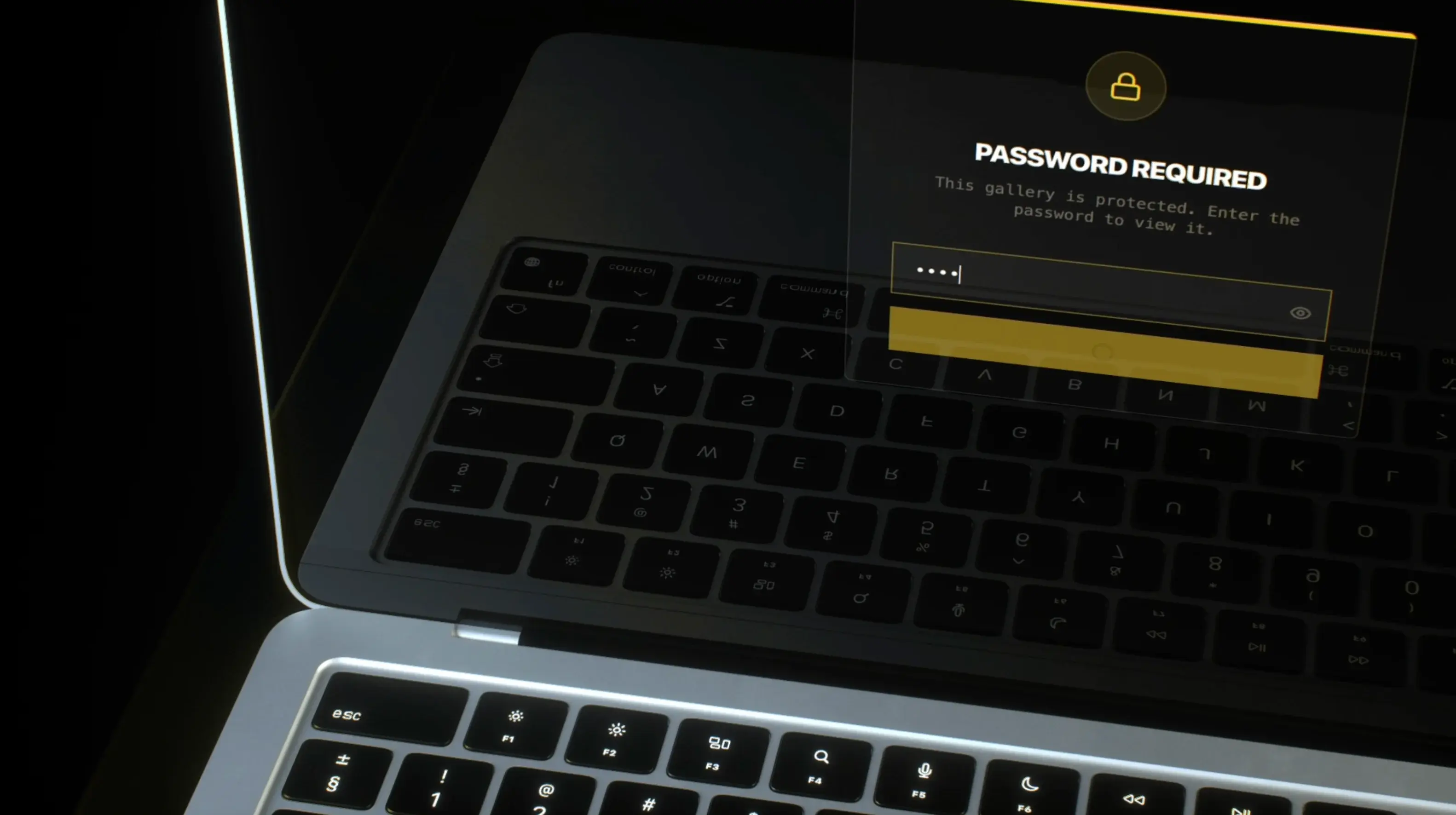
2. Use a Password-Protected Gallery
An open link is convenient, but anyone who receives or forwards it may be able to view the draft.
Password protection adds a second barrier. Use a unique password for the project rather than recycling the same one across every client. Avoid obvious choices such as the company name, project title, or password123.
For higher-sensitivity work, send the gallery link and password through separate channels. For example:
- Send the gallery link by email.
- Send the password by text message, phone, or a known client chat.
That way, a compromised or mistakenly forwarded email does not contain both pieces of access information.
DLVRD includes password protection for client galleries, so the access step stays attached to the viewing experience instead of relying on a loose file or open folder.

3. Put an Expiration Date on Every Draft Link
Review links should not stay active forever.
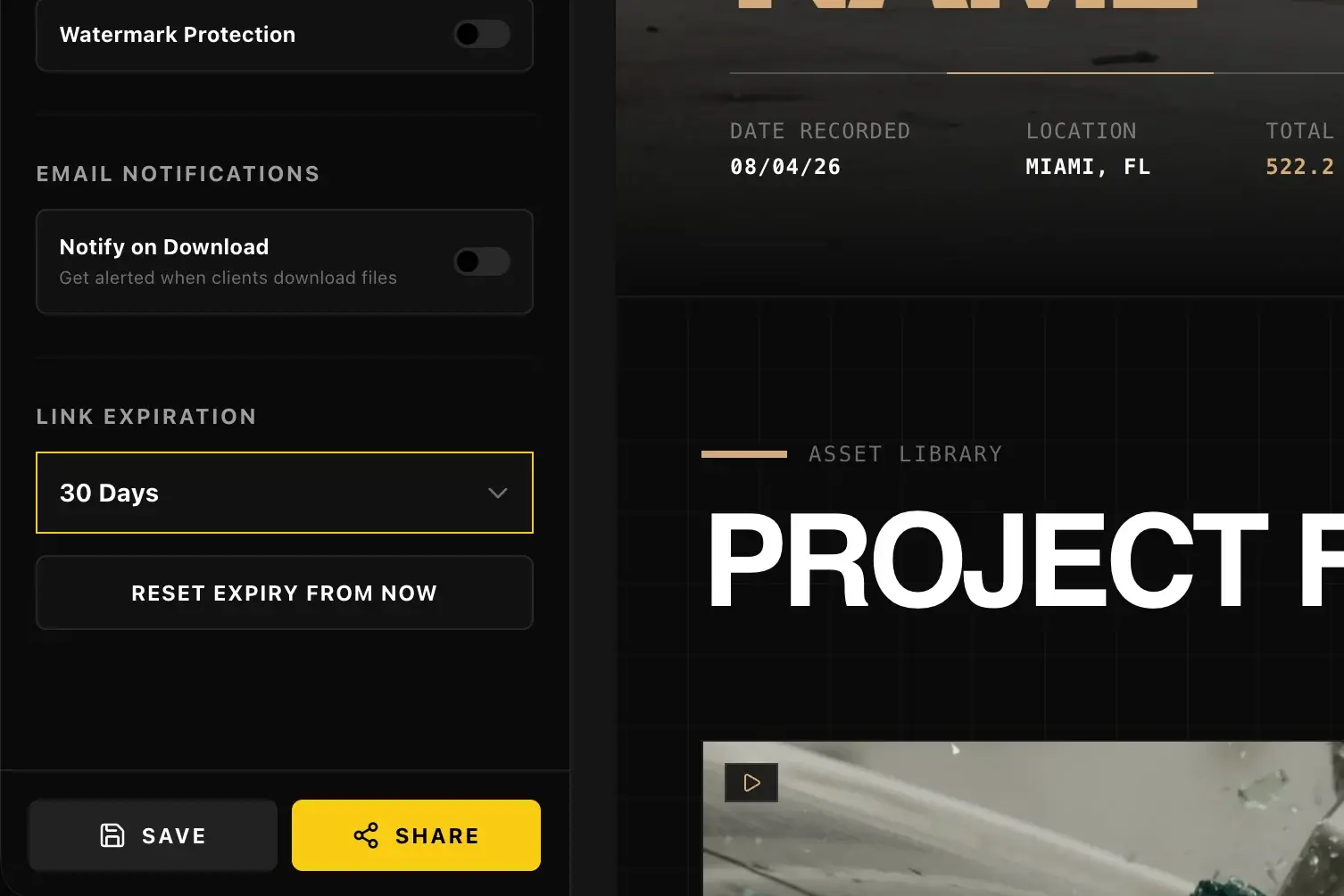
Set the expiration date around the actual review window. If feedback is due Friday, the link might expire the following Monday—not six months later. This gives the client a reasonable buffer while preventing old draft links from remaining accessible indefinitely.
Expiration is especially useful for:
- Unreleased campaigns
- Internal corporate communications
- Embargoed launches
- Pitch films and treatments
- Content featuring confidential locations or products
- Drafts containing temporary licensed assets
If the review window changes, extend it deliberately. Do not leave every link permanently active by default.
DLVRD lets you add expiration controls to gallery links, making access time-bound without forcing you to delete the entire project.
4. Add a Visible Watermark to Unapproved Cuts
A watermark does not stop someone from viewing a draft. It changes what happens if that draft is screen-recorded, downloaded, or shared out of context.
Use a clear but non-destructive overlay such as:
DRAFT — NOT FOR DISTRIBUTIONCLIENT REVIEW COPYV2 — PENDING APPROVAL- The production company or client name
Place it where it cannot be removed with a simple crop, but keep the image readable enough for meaningful review. The goal is deterrence and context—not ruining the viewing experience.
Watermarking should be one layer of the workflow, not your only security control. It does not replace a password, expiration date, or sensible download permissions.
DLVRD can apply visual watermarks to media in a gallery during review. Once the client approves the video, you can remove the watermark for final delivery.

5. Keep Downloads Off Until the Client Needs Them
If the purpose of the link is review, the client may only need to stream the video.
Disable downloads while a cut is awaiting feedback. Then enable the final files after approval. This does not prevent every kind of capture, but it removes the easiest path to saving and circulating an unapproved export.
If downloads do need to be enabled—for example, an authorized stakeholder must review the file offline—state exactly who may download it and what they may do with it.
DLVRD also supports file-download email notifications. That visibility helps you confirm when a final handoff has happened instead of wondering whether the client received the file.
6. Share One Current Version
Security breaks down quickly when five links to five versions are spread across an email thread.
For each review round:
- Upload the new cut.
- Confirm the version name.
- Apply the correct watermark.
- Test the link in a private browser window.
- Send one clearly labeled review link.
- Expire or retire the previous version when it is no longer needed.
The client should never have to guess which link is current.
Keep written approval with your project records. A simple “Approved for final delivery” from the authorized stakeholder is far better than interpreting a thumbs-up reaction or an informal “looks good.”
7. Tell the Client Exactly How to Review
A secure link still needs a clear message around it. Tell the client what the link contains, when feedback is due, and whether downloading or forwarding is allowed.
Use this template:
Subject: [Project Name] — Review Link
Hi [Client Name],
The latest cut of [Project Name] is ready for review:
[Gallery Link]
This is a watermarked review copy and is not approved for distribution. Please send consolidated feedback by [date]. The link will expire on [date].
I’ll send the password separately.
Once the final cut is approved, I’ll provide the clean master files for download.
For routine projects, this takes less than a minute to send. For sensitive work, it creates a useful written record of the review conditions.
A Pre-Send Security Checklist for Video Drafts
Before you send the next cut, confirm:
- [ ] The file name includes the correct version.
- [ ] Only the current review version is being shared.
- [ ] A visible draft watermark is applied.
- [ ] The gallery has a unique password.
- [ ] The password will be sent separately when needed.
- [ ] The link has an appropriate expiration date.
- [ ] Downloads are disabled unless they are required.
- [ ] The link works in a private browser window.
- [ ] The client knows the feedback deadline.
- [ ] One authorized stakeholder is responsible for final approval.
- [ ] Older review links are expired or retired.
- [ ] The clean master will remain unavailable until your approval and payment conditions are met.
You can add these checks to the final-delivery steps in this post-production checklist.
A Safer Draft-Review Workflow With DLVRD
DLVRD brings the core layers of professional video delivery into one client-facing gallery:
- Password-protected galleries to add a barrier beyond the link itself
- Expiring links to limit how long a draft remains accessible
- Visual watermarks to label and deter distribution of unapproved media
- Stream-first review so clients can watch without immediately receiving the master
- Download notifications to give you visibility when files are retrieved
- Full-resolution final delivery after approval, with the original uploaded file preserved for download
The client gets one polished place to watch the work. You keep control over how the draft is presented and when the final files become available.
Protect the First Cut Like the Final One
The safest review workflow is usually the clearest one.
Use one current link. Add a unique password. Set an expiration date. Watermark the draft. Keep downloads off until they are needed. Then release the clean master only after written approval.
The extra setup takes minutes. It protects the work, reduces version confusion, and gives the client a review experience that feels deliberate from the first cut onward.
Start your first DLVRD gallery for free—10GB of active storage, up to two galleries, and no credit card required.
.webp)
The new standard for professional video delivery. DLVRD provides client galleries and secure video hosting for creators who refuse to compromise on client delivery.