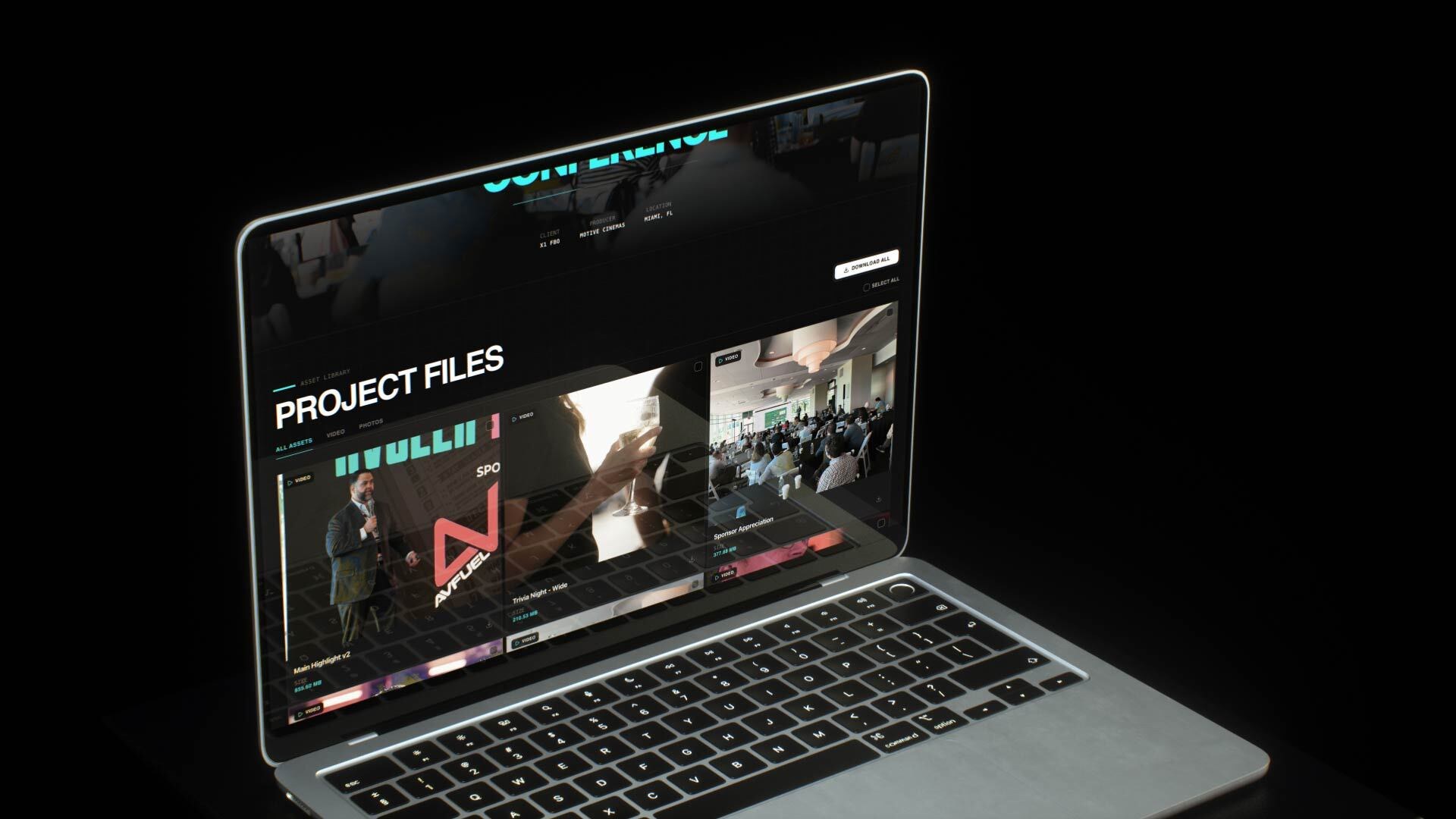
How to Send Large Video Files to Clients (2026 Guide)
The problem
A finished wedding film, brand video or event recap can easily be tens or hundreds of gigabytes once you include 4K masters, social cuts and raw selects. Email won't take it, and most tools that will weren't built for clients. They expire, compress, or dump your work into a folder that looks nothing like your brand.
Here's how the main options compare, and what to use when.
What a good handoff looks like
• Full quality: clients can stream and download the untouched original.
• No account for the client: one link, it just plays.
• Your brand, not the tool's.
• A link that lasts as long as you want it to, not seven days.
• Control: passwords, watermarks for drafts, download on/off.
• Room to grow: storage that fits real video volumes.
Option 1: File transfer (WeTransfer and similar)
Good for a quick one-off send. The downsides: links typically expire, there's no real viewing experience, no branding on free tiers, and no way to collect feedback. Fine for sending a file to an editor; weak as the final client experience.
Option 2: Cloud storage (Dropbox, Google Drive)
Reliable and familiar. But clients land in a file browser, playback is often a compressed preview, and storage is shared with everything else in your account. Google Drive's free 15GB, for example, is shared across Gmail and Photos. It works, but it looks like a folder, not a delivery.
Option 3: Video hosting (Vimeo)
Great playback, built for publishing. Less great for client delivery: plans have changed repeatedly in 2026, and some Advanced users were reportedly moved to a $400/month Studio plan (PetaPixel, Sep 2026). Vimeo On Demand is also shutting down in November 2026.
Option 4: Photo gallery platforms that added video
Photo platforms are adding video. ShootProof launched video hosting and selling in October 2026, but video storage is capped by plan:
| ShootProof plan (Oct 2026) | Price/month | Video storage |
|---|---|---|
| Starter | $9.99 | 20GB, shared with photos |
| Standard | $19.99 | 100GB, shared with photos |
| Professional | $31.99 | 50GB video |
| Premium | $60 | 150GB video |
Source: shootproof.com/pricing. Great if you mostly shoot stills and occasionally add a clip. Tight if you deliver full films regularly. One 4K wedding film plus its cuts can use a big part of a 50GB cap.
Option 5: Video-first delivery galleries (DLVRD)
Built for exactly this job: finished video and photos together in one branded gallery.
• Storage sized for video: Basic 500GB for $15/month, Pro 1TB for $39, Studio 3TB for $79. Free Starter with 10GB.
• Playback that fits the connection: 720p and 1080p streams viewers can switch between, plus original-quality playback and downloads.
• No client account. Password protection and optional expiry.
• Review rounds built in: watermark drafts, disable downloads, collect timecoded comments, then switch it to final delivery.
• Download notifications so you know when a client has their files.
• The Vault: archive delivered projects for $99/TB, one-time, and free up active storage.
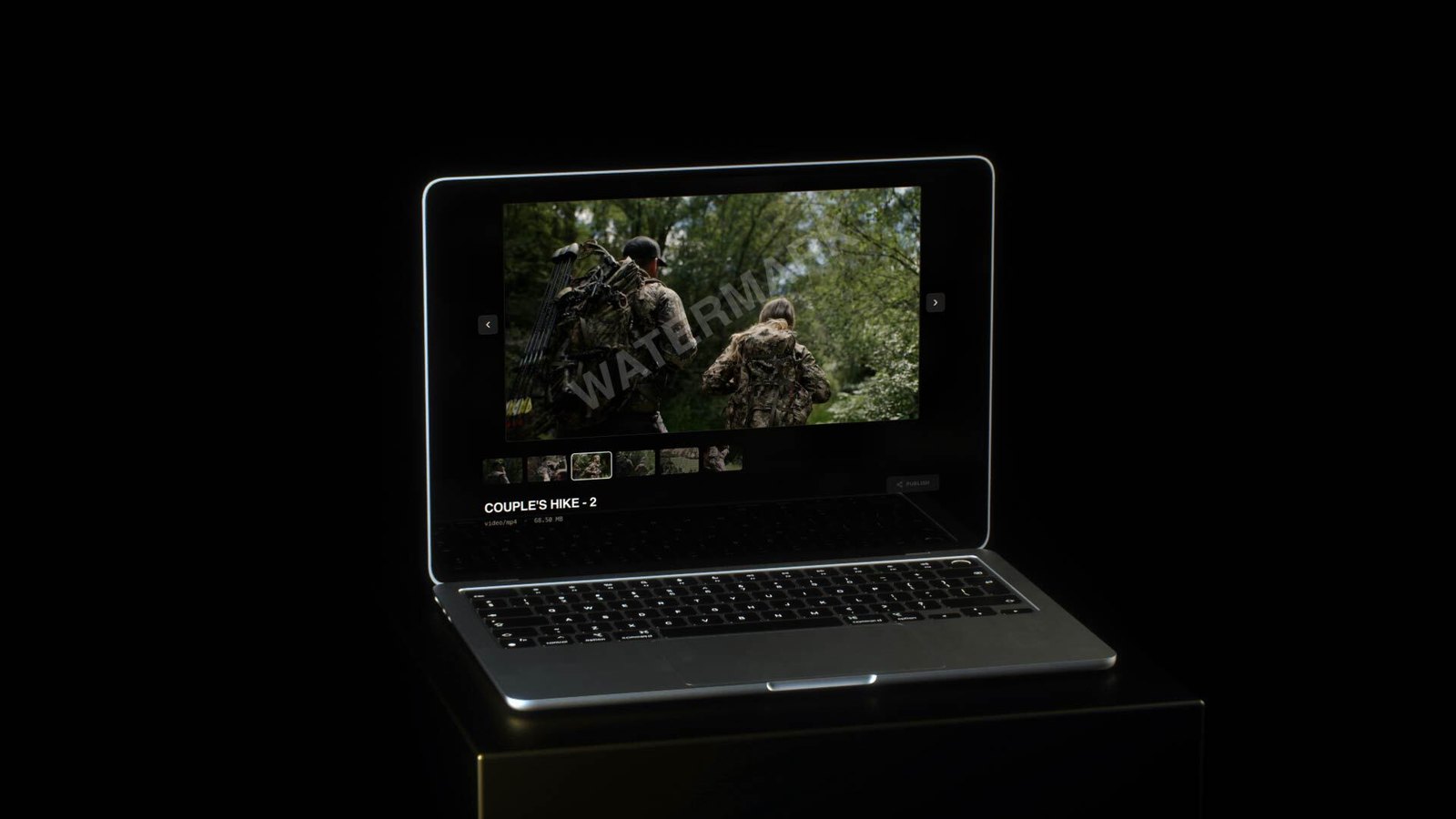

Quick comparison
| File transfer | Cloud storage | Vimeo | ShootProof | DLVRD | |
|---|---|---|---|---|---|
| Branded client experience | Limited | No | Partial | Yes | Yes |
| Link lasts | Usually expires | Yes | Yes | Yes | Yes, expiry optional |
| Original-quality download | Yes | Yes | Plan-dependent | Yes | Yes |
| Timecoded client feedback | No | No | Paid review tools | No | Yes, no login |
| Video storage | Per transfer | Shared account | Plan-dependent | Up to 150GB | 500GB–3TB |
The bottom line
For one-off file drops, a transfer tool is fine. For a client experience that reflects your work, use a delivery gallery. If video is a regular part of what you deliver, pick one sized for video.
Send your next film the right way. Start free
Last reviewed October 2026. Spot something out of date? Let us know.

The new standard for professional video delivery. DLVRD provides client galleries and secure video hosting for creators who refuse to compromise on client delivery.