
How to Deliver Social Media Video Cuts to Clients (9:16, 1:1, 16:9)
A single shoot rarely ends with one video anymore. The client wants the hero edit in 16:9 for YouTube and the website, a 9:16 for Reels, TikTok and Shorts, a 1:1 for the feed, plus 15- and 30-second versions, with and without the logo. That's easily a dozen files, and the client's social manager has to find the right one fast.
This guide covers how to package those cuts so nothing gets posted in the wrong format.
The problem with sending cutdowns in a folder
• File names don't mean anything. "export_03.mp4" tells nobody what it's for.
• Clients can't preview easily. They download everything to find one file.
• The wrong version gets posted. The logo cut goes out when the clean one was meant for paid ads.
Step 1: Use a naming convention that explains itself
Put the project, the version, the length and the aspect ratio in every file name. For example:
• Brand_Hero_60s_16x9.mp4
• Brand_Hero_30s_9x16.mp4
• Brand_Hero_15s_1x1_NoLogo.mp4
A social manager scanning the list should know what each file is without opening it.
Step 2: Deliver every version in one gallery
Upload all the cuts to one gallery instead of zipping them into a folder. The client opens a single link, previews each version in the browser and downloads only what they need. Every file shows its name and size, so the clean cut and the logo cut are easy to tell apart.
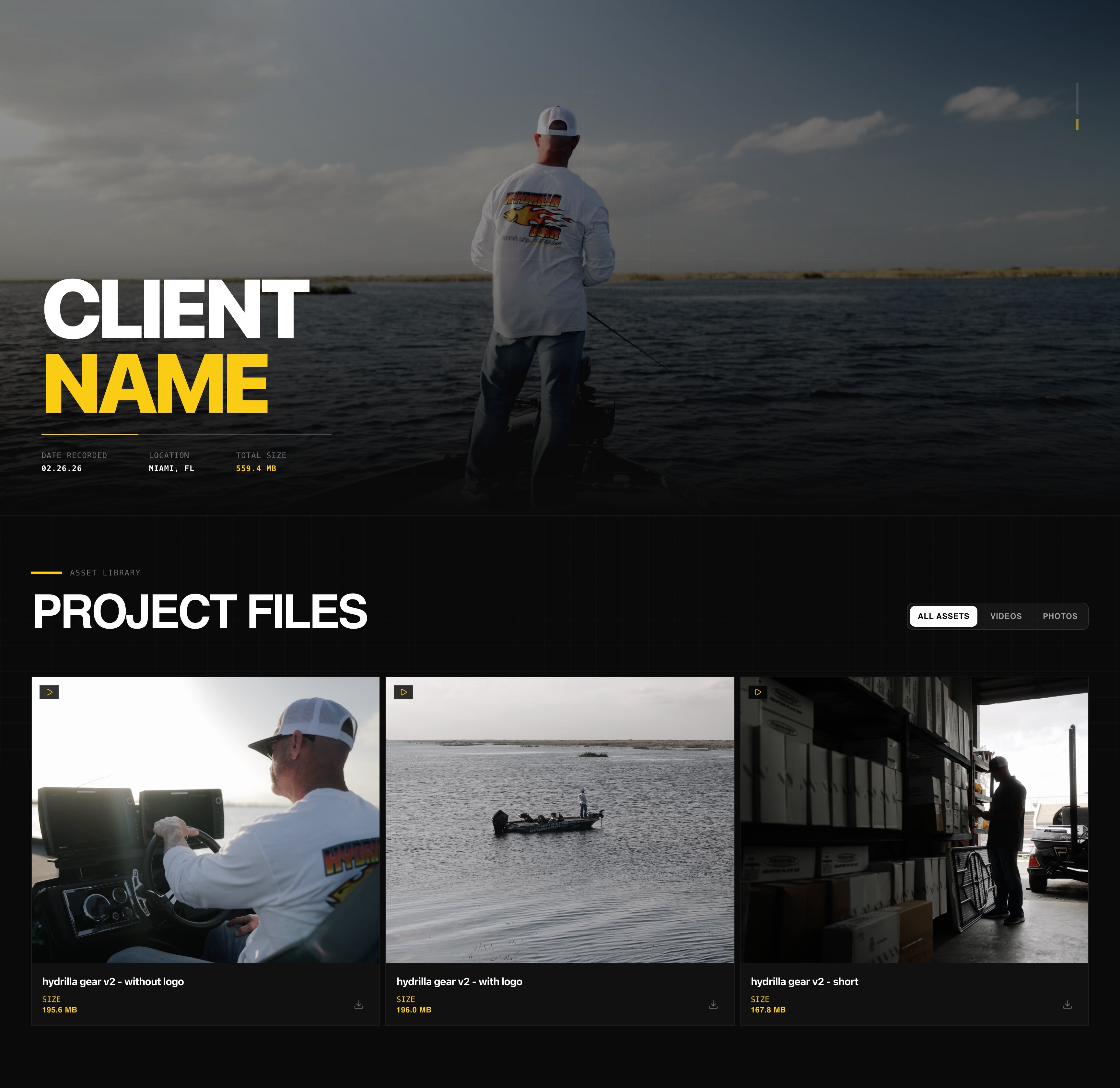
Step 3: Keep stills and thumbnails in the same link
Social posts need cover frames and stills too. Put them in the same gallery as the videos. Clients can filter between all assets, videos and photos, so nothing gets lost. More on that: how to deliver video and photos together in one link.
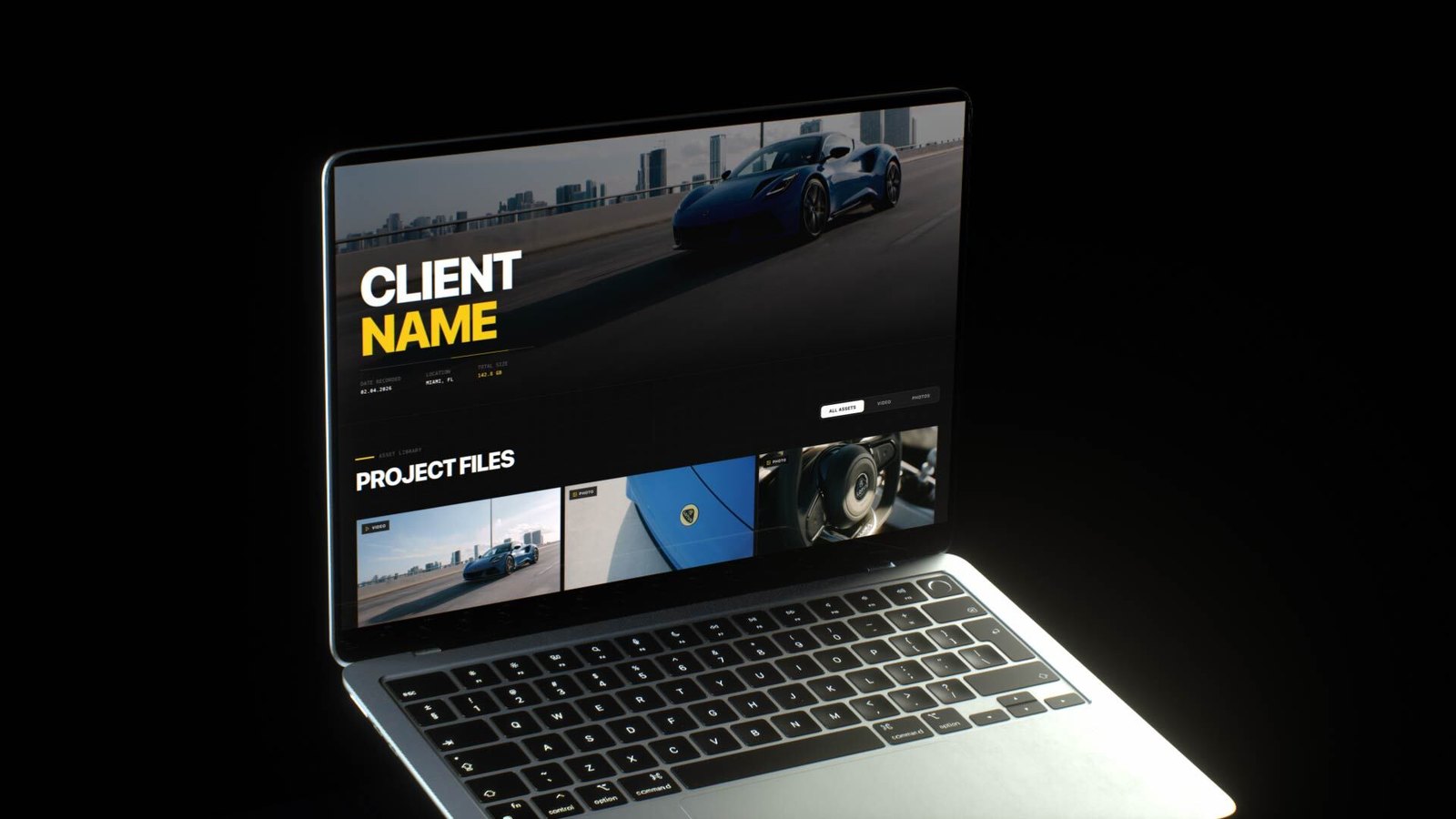
Step 4: Export for the platform, deliver at full quality
Export each cut at the resolution and frame rate the platform expects, then deliver the file as-is. Don't re-compress it through a chat app or email. Social platforms compress again on upload, so the cleaner the file you hand over, the better the post looks. See how to deliver 4K video to clients without losing quality and our post-production checklist.
Step 5: Gather revisions per cut
When the client wants the vertical version trimmed or the end card changed, they can leave a timecoded comment directly under that specific video, with no login required. You know exactly which cut and which second they mean.
Social cut delivery checklist
• Every file named with project, length, ratio and logo/no-logo
• All cuts plus stills in one gallery
• Exported to platform specs, delivered without extra compression
• Revisions as comments on the specific cut
The bottom line
The edit is the hard part. The handoff shouldn't be. One organized gallery with clearly named cuts means the client posts the right version on the right platform the first time.
Send your next batch of social cuts with DLVRD. Start free, no credit card required.
.webp)
The new standard for professional video delivery. DLVRD provides client galleries and secure video hosting for creators who refuse to compromise on client delivery.