.webp)
One delivery platform for every project you ship
Your team juggles dozens of clients, producers and deliverables. DLVRD gives every project a branded, organized gallery, so delivery is consistent no matter who hits send.
START DELIVERING FOR FREE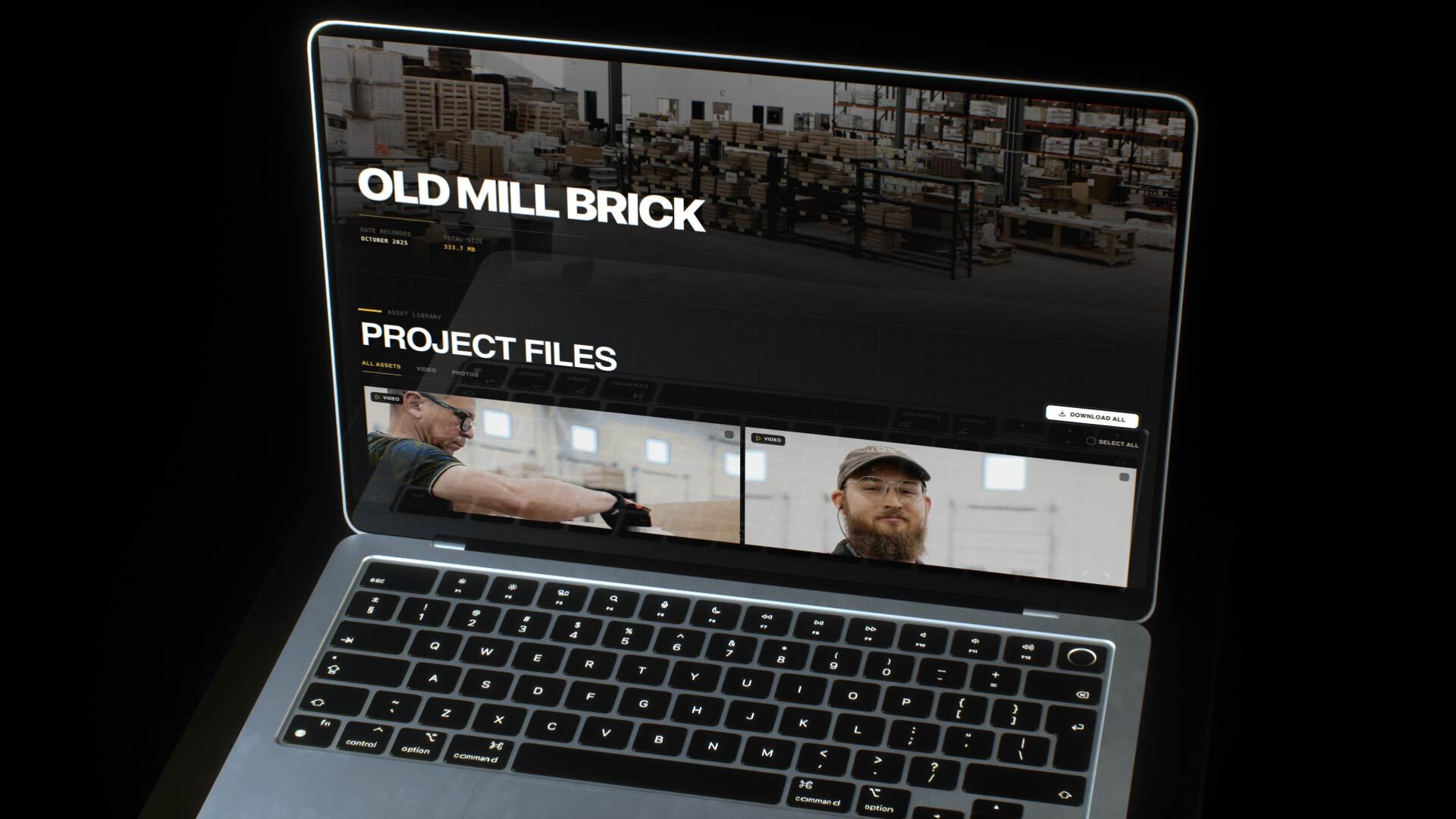
Every producer delivers differently
One uses WeTransfer, another uses Drive, and someone else emails a Vimeo link. Clients get a different experience every time.
Projects scattered across tools
Finals live in five places, and nobody can find last spring's deliverables when the client calls.
Volume that outgrows your setup
More projects mean more files, links and “can you resend that?” emails.
A consistent client experience
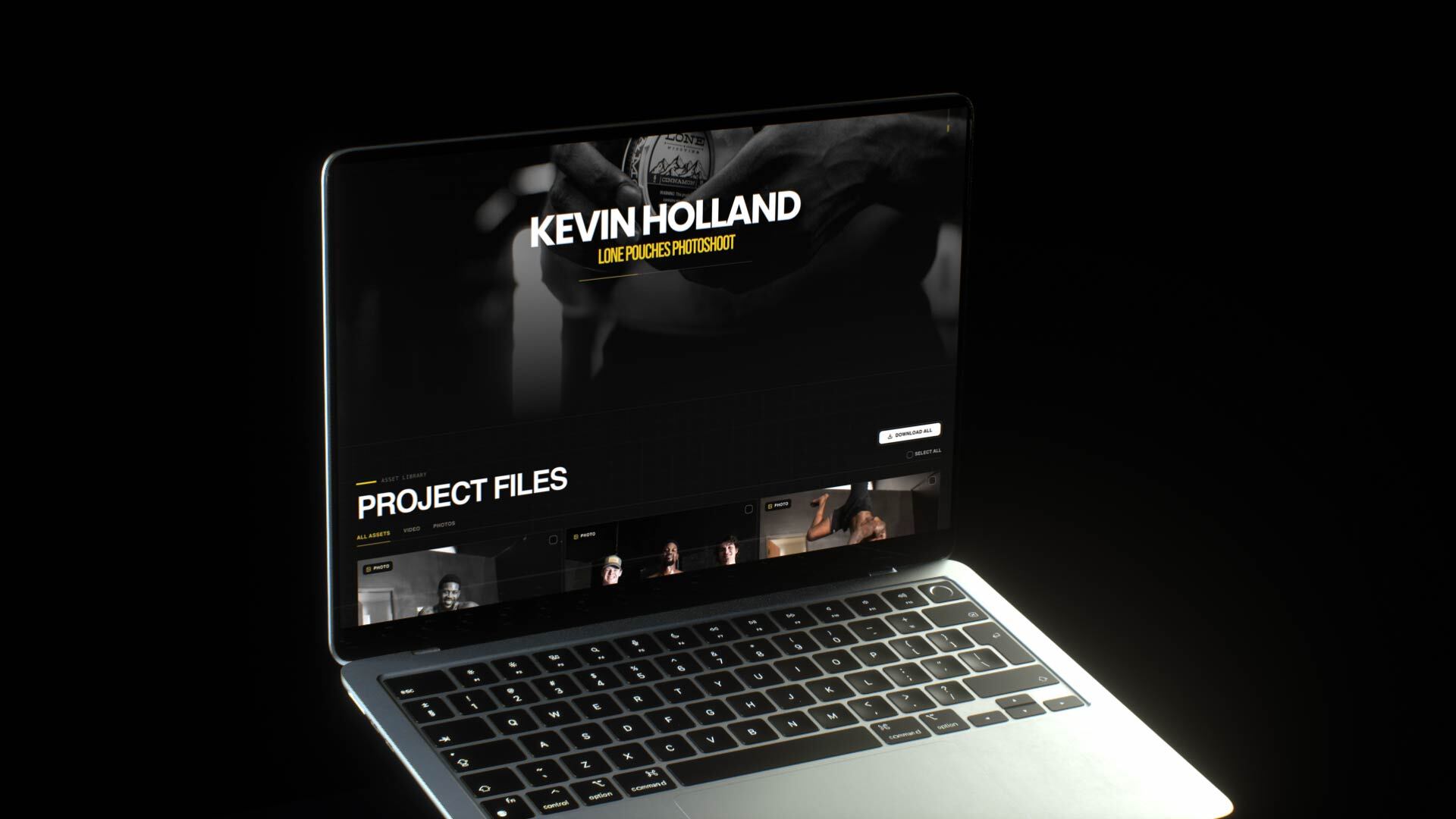
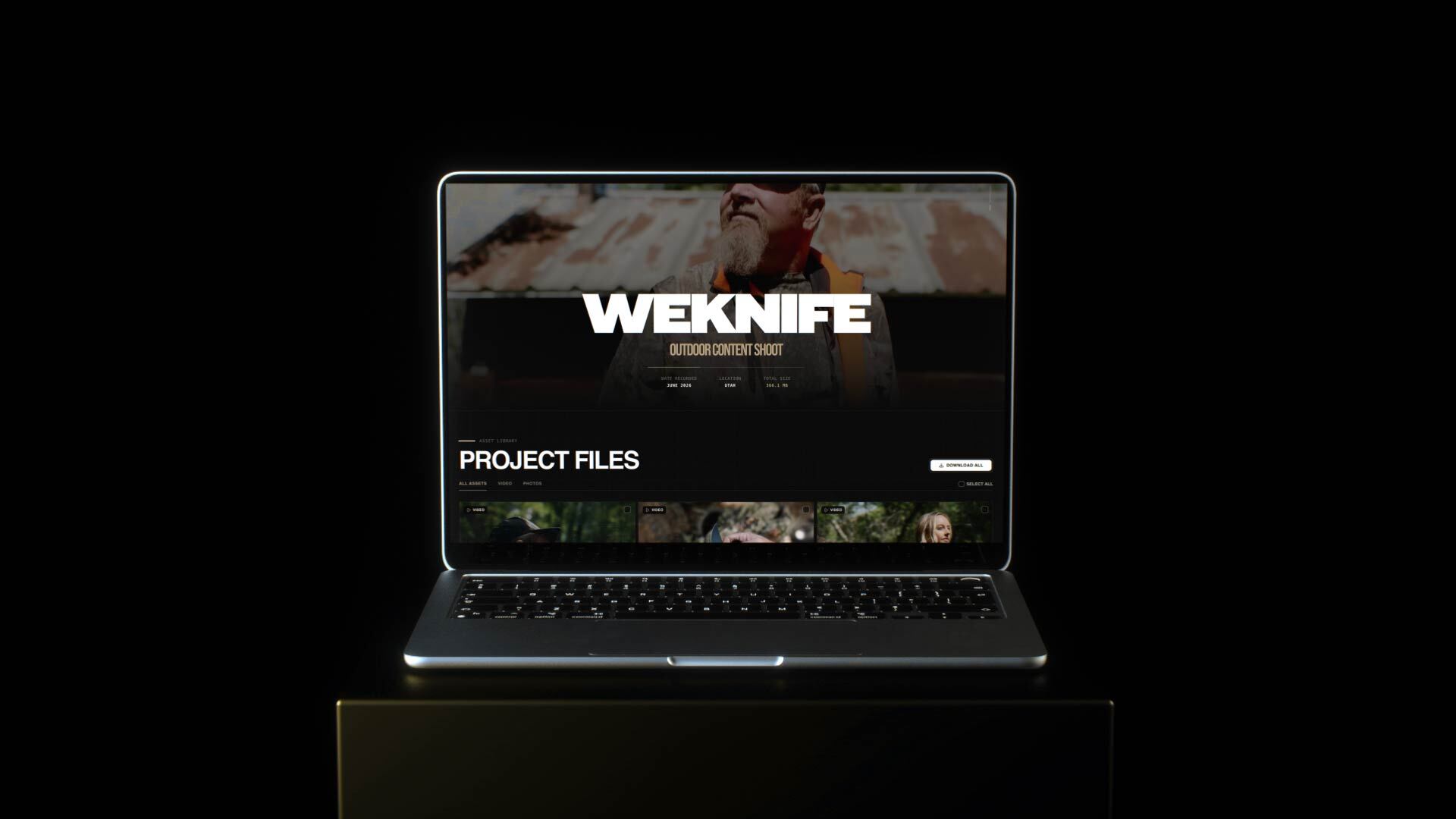
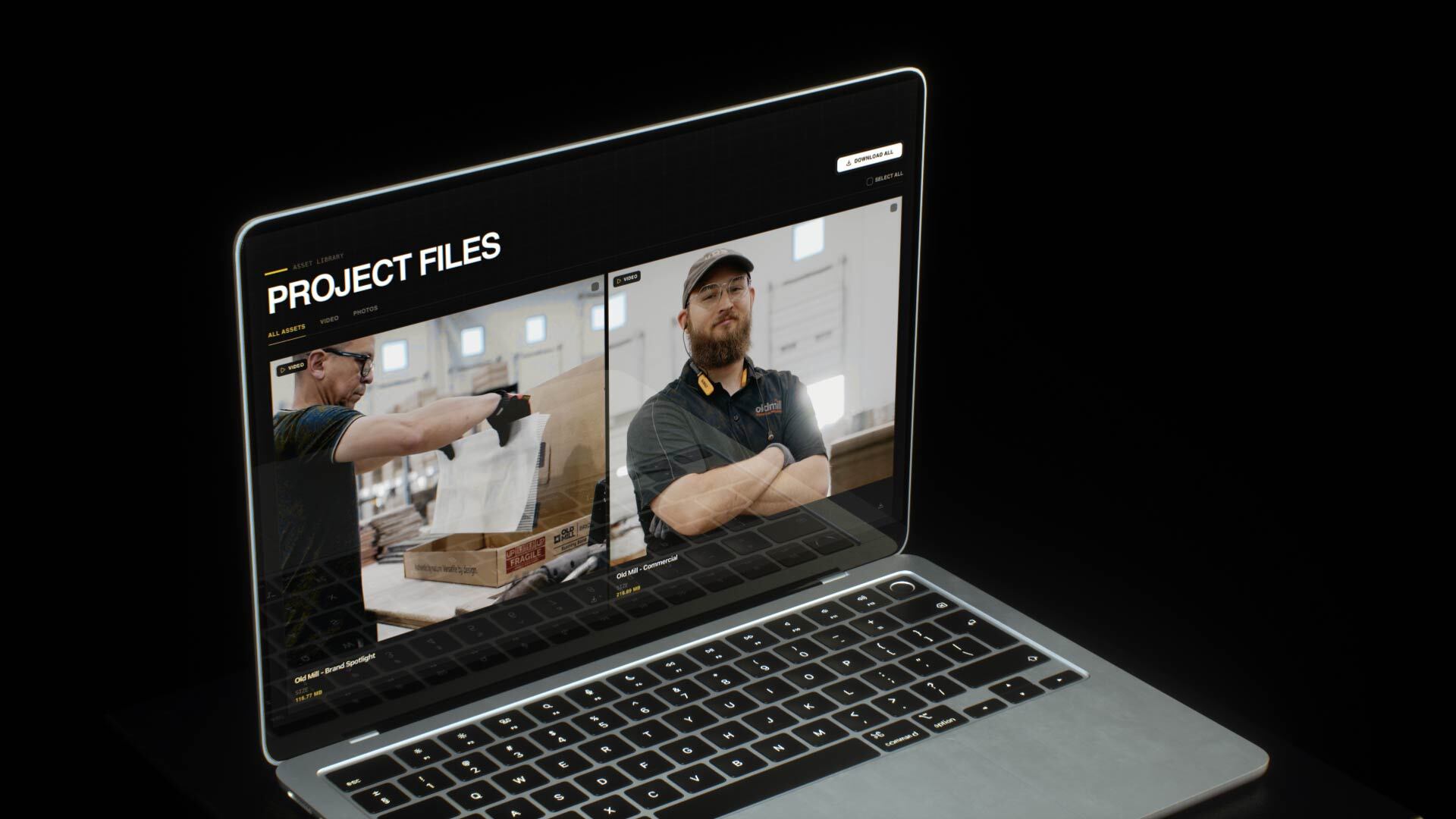
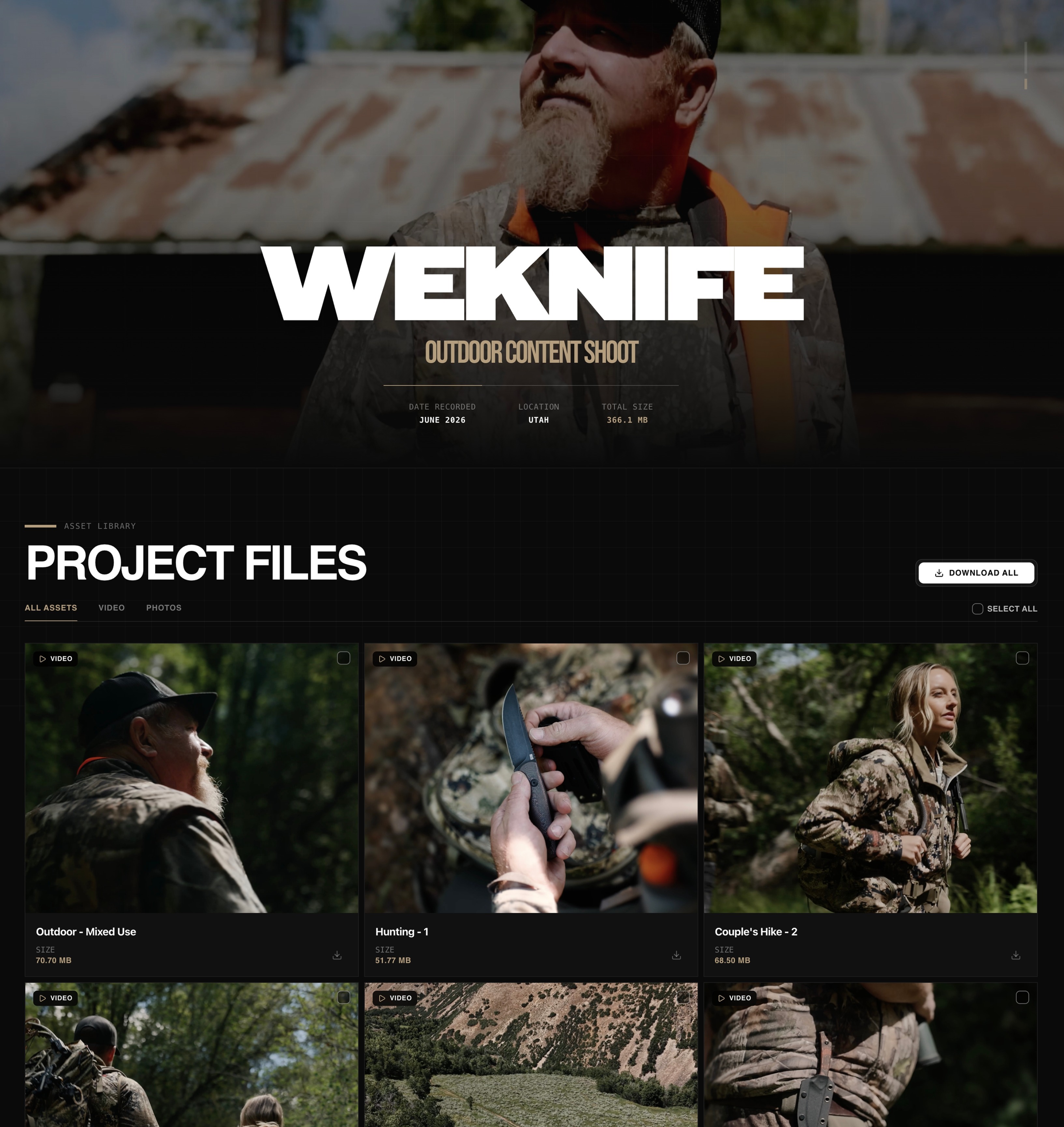
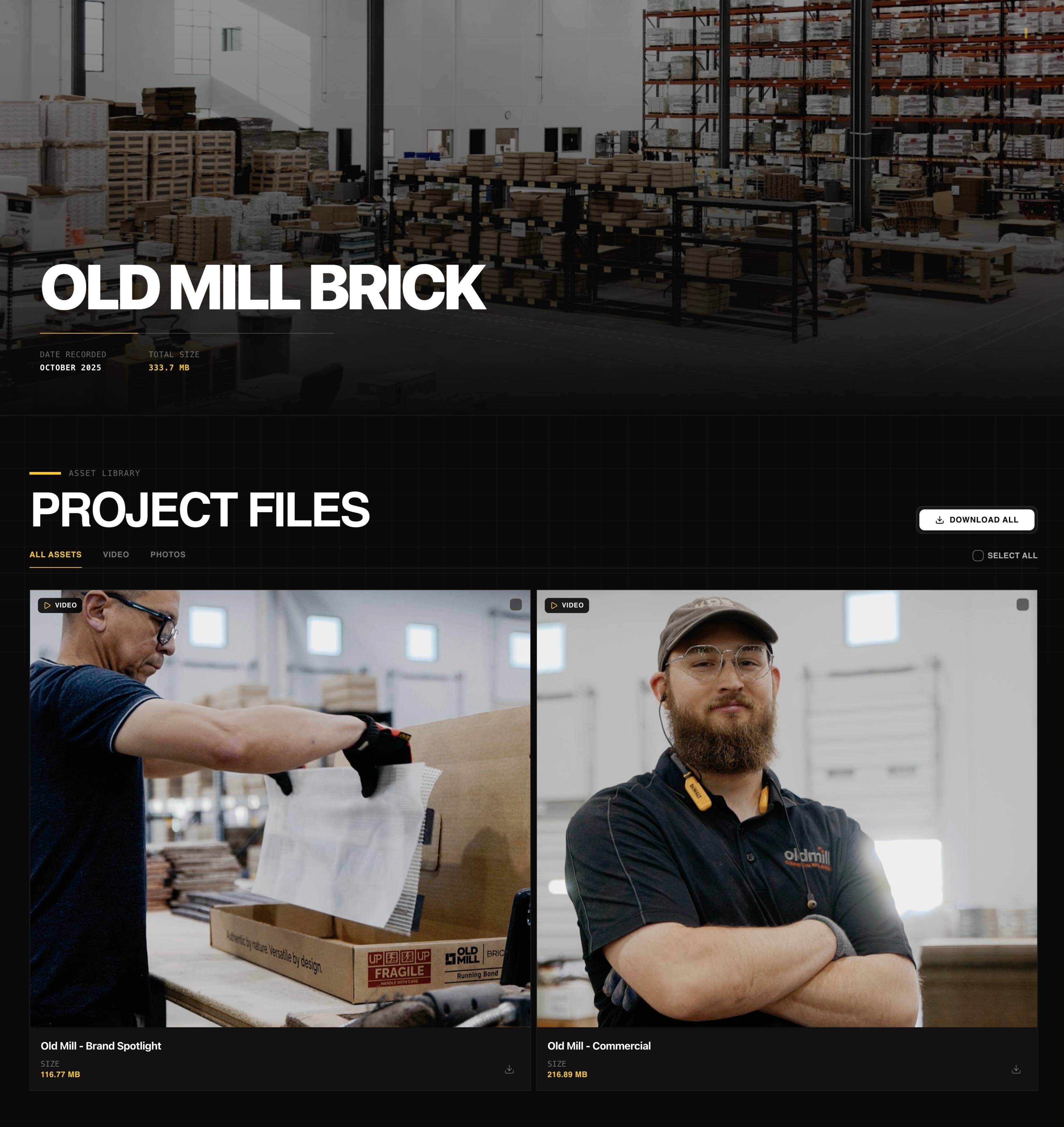
Every project goes out in the same branded gallery with your logo and colors, whether it's a 30-second spot or a 10-part series.
Folders for complex deliverables
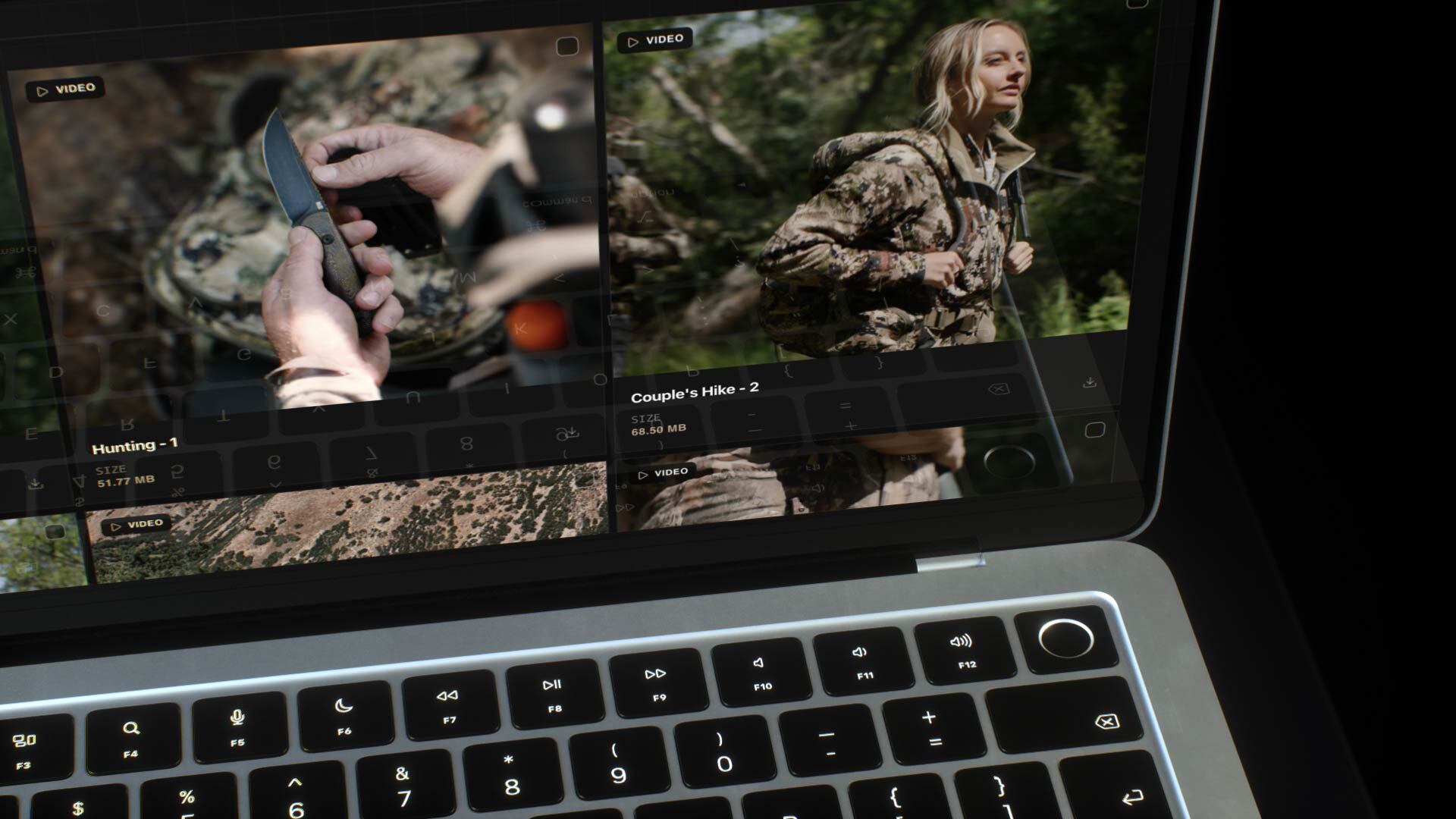
Organize by episode, deliverable type or round (masters, cutdowns, BTS, stills), so large projects stay easy to navigate.
Client review built in
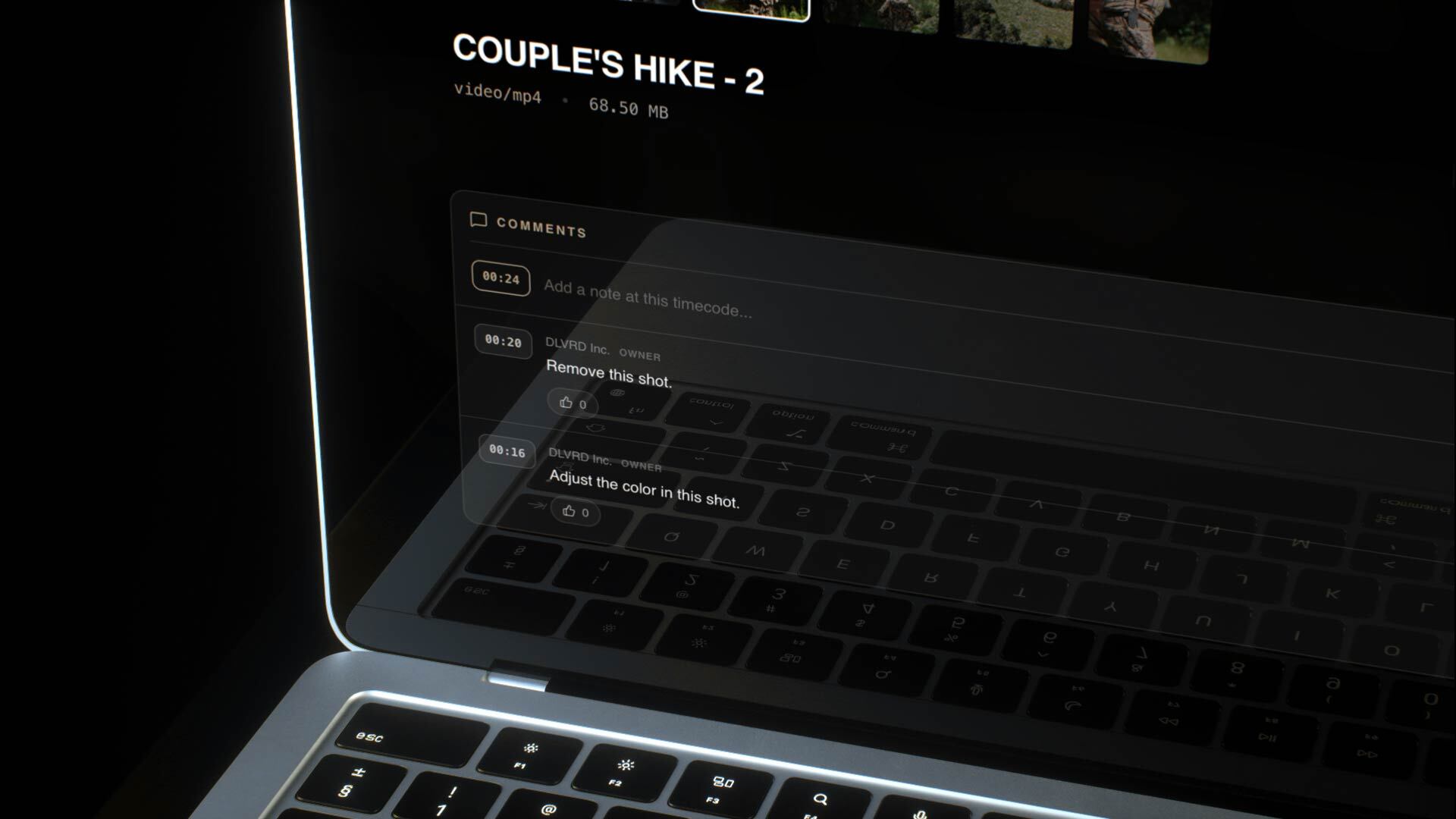
Clients comment under each cut with a timecode, and no login is needed. Feedback lives with the video instead of in someone's inbox.
Big files, full quality
Upload large masters and let clients stream instantly or download the originals, with no compression surprises.
The Vault, for everything you've delivered
Studio includes 3TB for active projects. Once a project is delivered, paying subscribers can move it to the DLVRD Vault, long-term archive storage that keeps finished work safe without eating into your plan.
Photo + video, one gallery
BTS stills, key art and final films can sit side by side, so clients get the whole project in one place.
Your delivery archive
Keep active projects live and archive delivered ones in the Vault. When a client comes back for a recut two years later, the files are still there.
Upload
Upload masters, cutdowns and stills.
Share
Share one branded link per project.
Review and deliver
Clients review, approve and download.
Frequently asked questions
Can I organize big projects?
Yes. Use folders by episode, round or deliverable type.
Do clients need an account?
No. Anyone with the link can watch, comment and download.
How much storage do I need?
Studio includes 3TB for active projects. Delivered work can move to the Vault, archive storage available to paying subscribers.
Can clients comment on cuts?
Yes. Comments appear under the video with a timecode next to each one.
Can I use my own branding?
Yes, your logo and colors on every gallery.